
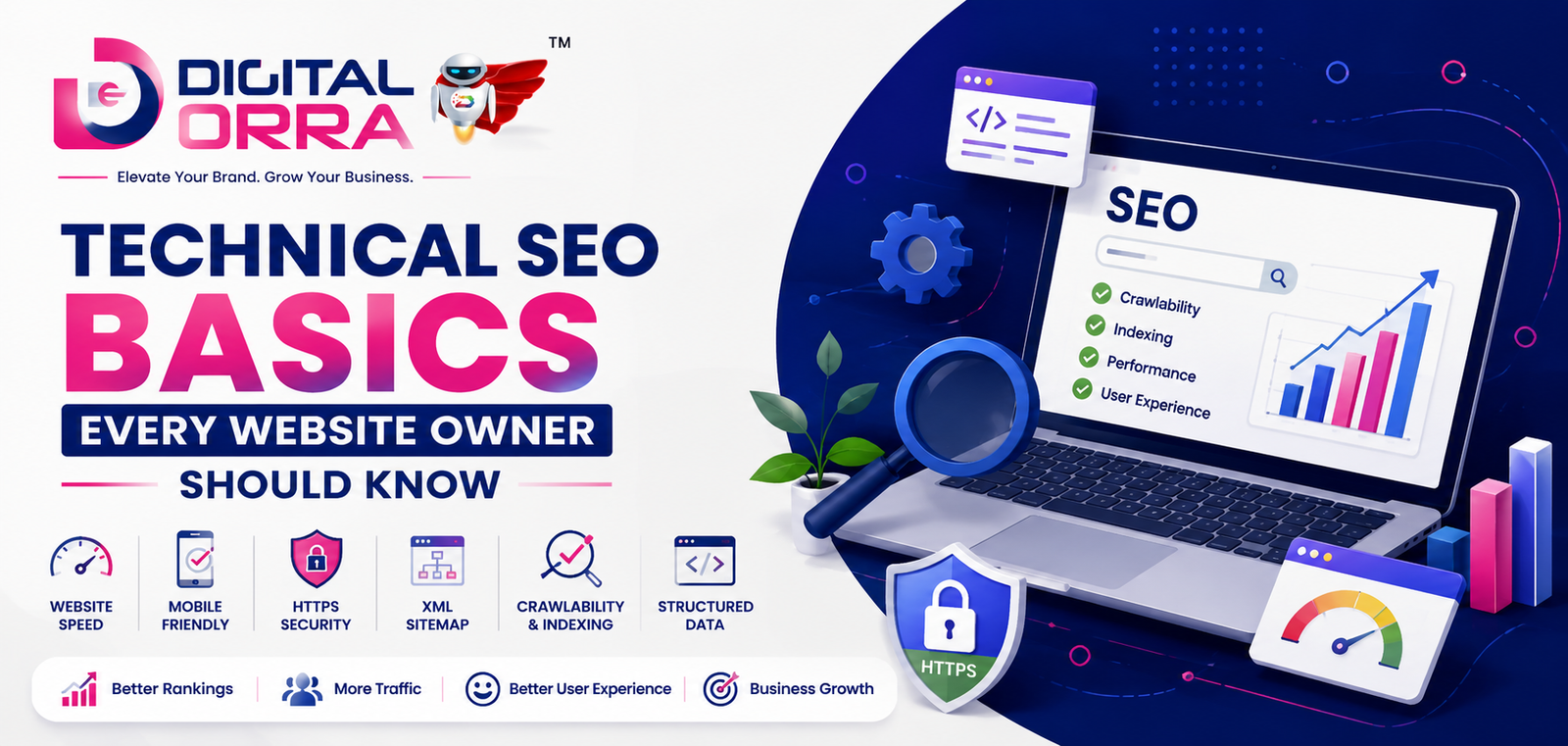
In today’s competitive digital landscape, having a website is not enough. Your website must also be optimized for search engines so that potential customers can easily find your business online. This is where Technical SEO becomes extremely important.
Technical SEO focuses on improving the technical aspects of a website to help search engines crawl, index, and rank it efficiently. While content and keywords are essential, technical SEO ensures that your website performs smoothly behind the scenes.
Whether you own a business website, eCommerce store, blog, or service-based platform, understanding the basics of technical SEO can significantly improve your website’s visibility and user experience.
What is Technical SEO?
Technical SEO refers to optimizing the infrastructure of your website so search engines like Google can access, crawl, interpret, and index your pages without issues.
It includes factors such as:
- Website speed
- Mobile-friendliness
- Secure connections (HTTPS)
- XML sitemaps
- Crawlability
- Structured data
- URL structure
- Broken links
- Core Web Vitals
A technically optimized website helps search engines understand your content better and improves your chances of ranking higher in search results.
Importance of Technical SEO
Technical SEO plays a major role in improving:
- Search engine rankings
- Website speed
- User experience
- Mobile usability
- Website security
- Organic traffic
- Conversion rates
Even high-quality content may fail to rank if your website has technical problems.
Essential Technical SEO Basics
1. Improve Website Speed
Website loading speed directly impacts both SEO and user experience. Slow websites often lead to higher bounce rates and lower rankings.
Tips to Improve Speed:
- Compress images
- Use caching
- Minify CSS and JavaScript
- Choose reliable hosting
- Enable browser caching
- Use a Content Delivery Network (CDN)
Fast-loading websites create a better experience for users and search engines.
2. Make Your Website Mobile-Friendly
Most users browse websites on mobile devices. Google also uses mobile-first indexing, meaning it primarily evaluates the mobile version of your website.
Ensure Your Website:
- Adjusts properly on all screen sizes
- Uses readable fonts
- Has mobile-friendly navigation
- Loads quickly on smartphones
Responsive website design is now a necessity, not an option.
3. Use HTTPS Security
A secure website builds trust and protects user data. Websites using HTTPS are considered safer by Google and users.
Benefits of HTTPS:
- Better security
- Improved trust
- Potential ranking advantage
- Secure data transfer
Always install an SSL certificate on your website.
4. Optimize Website Crawlability
Search engines use bots to crawl your website pages. If your website structure is confusing, search engines may miss important pages.
Best Practices:
- Create clear navigation
- Use internal linking
- Avoid broken pages
- Fix crawl errors
- Use robots.txt correctly
A properly structured website helps search engines understand your content efficiently.
5. Create and Submit XML Sitemap
An XML sitemap acts like a roadmap for search engines. It helps Google discover important pages on your website.
Include:
- Main pages
- Blog posts
- Service pages
- Product pages
Submit your sitemap through Google Search Console for better indexing.
6. Fix Broken Links
Broken links create a poor user experience and negatively impact SEO.
Common Causes:
- Deleted pages
- Incorrect URLs
- Changed website structure
Regularly audit your website and fix 404 errors or redirect outdated pages properly.
7. Optimize URL Structure
Simple and clean URLs are easier for both users and search engines to understand.
Good URL Example:
yourwebsite.com/technical-seo-basics
Avoid:
- Long URLs
- Random numbers
- Unnecessary symbols
SEO-friendly URLs improve readability and rankings.
8. Use Structured Data Markup
Structured data helps search engines understand your website content more effectively.
It can improve your appearance in search results through:
- Star ratings
- FAQs
- Product information
- Reviews
- Business details
Structured data increases visibility and click-through rates.
9. Focus on Core Web Vitals
Core Web Vitals are Google’s performance metrics that measure user experience.
Important Metrics:
- Loading speed
- Interactivity
- Visual stability
Improving these metrics can positively affect your rankings and user satisfaction.
10. Avoid Duplicate Content
Duplicate content confuses search engines and may affect rankings.
Solutions:
- Use canonical tags
- Create unique content
- Avoid duplicate product pages
- Properly manage URL parameters
Always aim for original and valuable website content.
11. Optimize Internal Linking
Internal linking helps users navigate your website and distributes SEO value across pages.
Benefits:
- Better user engagement
- Improved crawlability
- Increased page authority
Link relevant pages naturally within your content.
12. Regularly Monitor Technical Issues
SEO is an ongoing process. Regular technical audits help identify and fix problems before they impact rankings.
Useful Tools:
- Google Search Console
- Google PageSpeed Insights
- Screaming Frog
- Ahrefs
- SEMrush
Monitoring your website regularly keeps your SEO performance strong.
Common Technical SEO Mistakes to Avoid
- Slow website speed
- Non-mobile-friendly design
- Missing SSL certificate
- Broken links
- Poor website architecture
- Duplicate content
- Missing meta tags
- Incorrect redirects
- Large image files
- Unoptimized JavaScript
Avoiding these mistakes can greatly improve your website’s search performance.
Final Thoughts
Technical SEO is the foundation of a successful website. Without proper technical optimization, even the best content and marketing strategies may struggle to deliver results.
By focusing on website speed, mobile usability, security, crawlability, and overall website performance, you can create a strong SEO foundation that improves rankings and user experience.
If you want long-term online growth, investing in technical SEO is one of the smartest decisions for your business website.